
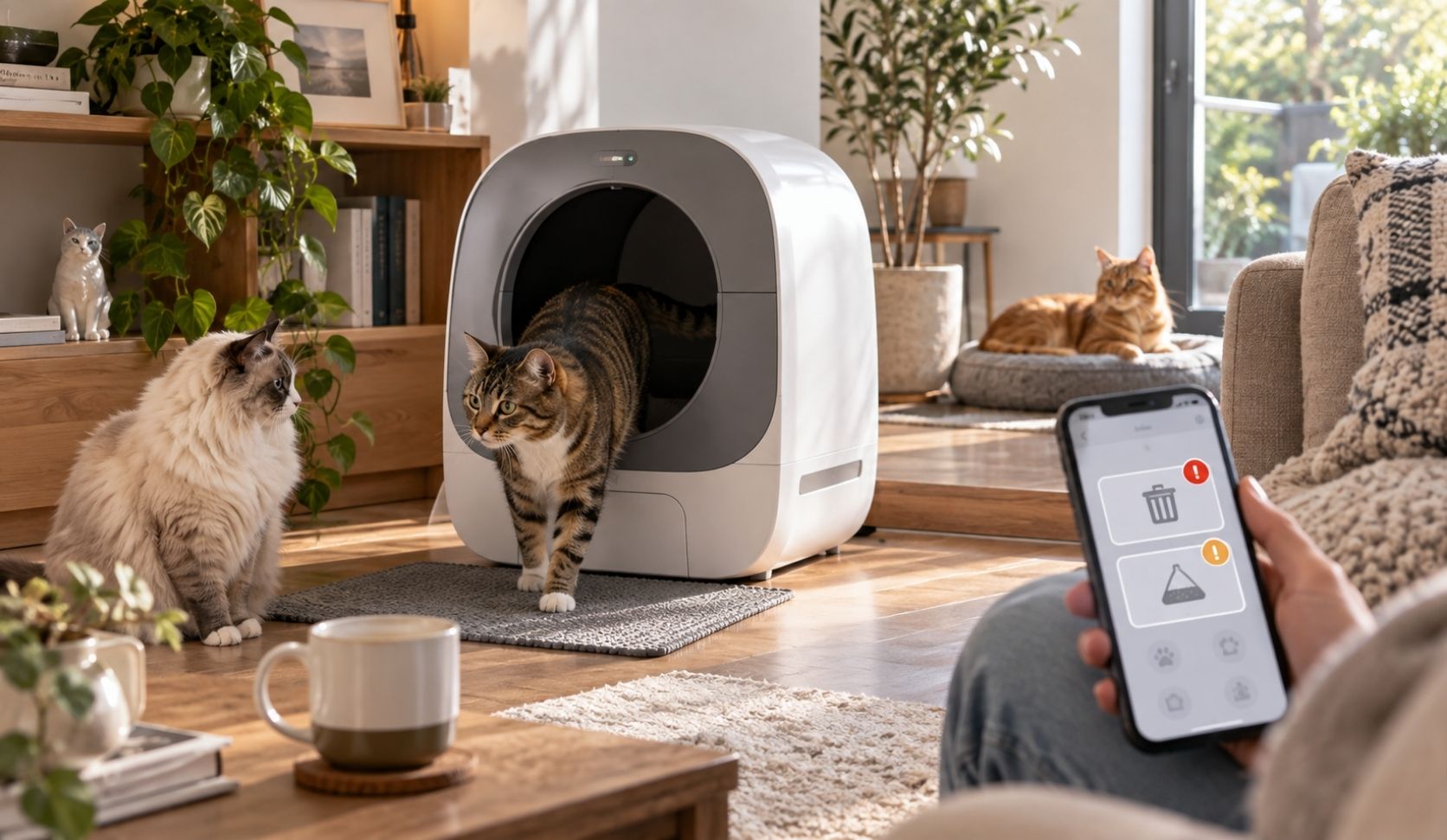
Smart litter box app notifications are worth keeping in exactly two cases: the waste drawer is full, and the litter is running low. Both point to a physical job you would otherwise forget. Keep a weight or usage trend if your app builds one, then read it weekly, not hourly. Silence everything else, especially the per visit alerts. That is the whole verdict.
I have run automatic boxes for five years with three cats (Mao, Leo and Deo), and the app is the part I got wrong longest. I treated every alert as equally urgent, got tired of it, and turned the lot off. That is the mistake this article exists to stop.
What each notification class actually tells you
Forget brand names for a minute. Strip the marketing off any of these apps and you are looking at roughly six classes of notification, and they are not equal. Two of them map to something you have to physically do. Two of them tell you the machine did the job it was built to do, which is not news. One matters only when something breaks. The last one is not really a notification at all, it is a report that got turned into a push message.
Sorting by class rather than by brand is the only decision that survives your next box, because the class list barely changes between manufacturers, even when the feature names do.
| Notification | What it tells you | Verdict |
|---|---|---|
| Waste drawer full | The box stops cycling unless you empty it | Keep |
| Low litter | The next cycle runs on too thin a layer | Keep |
| Every cat visit | A cat used the box | Silence |
| Cycle started or done | The machine worked | Silence |
| Error or needs attention | Something is stuck | Keep |
| Weight or usage trend | A pattern, over days | Keep as a summary |
The class that makes all the noise
Per visit alerts are the ones that ruin the app. PETKIT's Purobot Max 3 page says the app "sends real-time alerts when your cats use the box," and that is a feature written for a one cat home. In a three cat home it is a metronome. Mine produced more buzzes in a day than actual humans did, and none of them ever changed a single thing I did.
There is one narrow case where they earn a week of patience: a new box, a nervous cat, and you need to know whether anyone is using it. I kept them on through one transition and killed them the day the answer was obvious. After that, the usage history screen says the same thing without interrupting you.
The two alerts that earn their place
The waste drawer alert is the only one with a hard mechanical consequence attached. On the Litter-Robot 4, Whisker says the drawer sensor measures the waste level during each clean cycle, the unit flashes a blue light bar when it reads full, and the unit will "cycle two additional times before it will no longer automatically cycle." That is the sentence that matters. Ignore the alert and your automatic litter box quietly becomes a manual one, usually on the day you have least time for it.
That is why it earns a slot even though I empty on a fixed rhythm. The rhythm is the plan, the alert is the exception handler, for the week the cats eat more. My drawer and cartridge rhythm sits in the self-cleaning litter box maintenance schedule.
A full drawer alert is sometimes a cleaning job, not a full drawer
Here is the part no feature list mentions. Whisker's own support page says a stretched bag, or one not pressed flat, will make the detection measure the drawer level inaccurately, that debris such as dust or cat fur on the sensor bezel interferes with it, and that fur caught in the seal strip at the front of the globe can do the same. The sensor needs a clear field of view.
So an alert firing early is usually not a fault. It is a wipe of the sensor window and a liner reseated flat. I have had a drawer alert that was really a fur alert. Low litter warnings, where they exist, are the second keeper: they stop a cycle raking through a layer too thin to clump. Not every app has one. Whisker's app page names a full drawer, a completed cycle and a robot that needs attention, while PETKIT's page also covers a litter level that has dropped too low.
Alert fatigue, and the alert you will lose because of it
Here is the honest cost, and it is the reason I wrote this instead of another feature tour. Noise does not just annoy you. It trains you. After a few hundred meaningless buzzes you stop reading the banner and start swiping it away, and the two useful alerts are now buried inside a stream you have taught yourself to ignore. Then, on a bad evening, you do the fatal thing: you turn off notifications for the whole app at the phone level.
That single switch is the failure. It is indiscriminate. It kills the per visit spam and the drawer full warning in the same tap, and nothing ever tells you it did. Months later you find a stopped box, a full drawer, and you blame the hardware. The fix is boring: mute inside the app, per type, and leave the app's system permission alone.
One line on health, then I will get out of the way
No notification here is a diagnosis, and I am not a vet. An alert tells you about a machine, and at most about a pattern. Anything that looks like a genuine change in your cat belongs in a conversation with your veterinarian, not in an app screen. I am an owner who has run these boxes for five years, not a clinician, and that line is worth keeping sharp. Reading the data without over reading it is its own subject, and I covered it in automatic litter box weight tracking. If push alerts are the main reason you are considering a connected model at all, it is worth knowing what an automatic litter box without wifi still does on its own.
Multi-cat homes get noisier, and attribution gets softer
Everything above gets louder with more cats, because per visit alerts scale with visits, not with cats. Three cats do not hand you three times the notifications of one cat, they hand you three cats' worth of visits plus the extra cycles those visits trigger. The keep list does not change. The urgency of pruning it does. The subtler issue is attribution. On a box without a camera, the app is inferring which cat just used it from weight. Whisker describes SmartScale as gathering weight data over a seven day period and using a kernel density estimation algorithm to cluster the readings, then states the limit plainly: "If your cats are within 1 pound of each other, we may not be able to distinguish between them." Visual identification is limited to camera equipped models such as the Litter-Robot 5 Pro.
The weight number has failure modes too
Whisker's support page lists soft or uneven flooring, the unit touching a wall, debris on the laser sensors, and a cat resting weight on the step without fully entering, which records a partial measurement. Deo does exactly that, so before I read anything into an odd line on his chart, I assume he leaned. Whisker also warns that a cat with no pet profile using the box produces readings counted as unhealthy data, and that enough of those will switch SmartScale off entirely. So I treat the per cat split as a rough guide, never a record. For the wider picture of running one box for several cats, see self-cleaning litter box for multiple cats.
Smart litter box app notifications: frequently asked questions
Which litter box app notification should I turn off first?
The per visit alert. It carries no action, it scales with the number of cats, and it is the biggest single source of alert fatigue. Turn it off inside the app, not at the phone level.
Why does my app say the drawer is full when it is not?
Whisker attributes inaccurate drawer readings on the Litter-Robot 4 to stretched or unflattened liner bags, dust or fur on the sensor bezel, and fur trapped in the globe's front seal strip. Clean the sensor window first.
Can the app really tell my cats apart?
Only approximately, unless the box has a camera. Whisker says outright that SmartScale may not be able to distinguish cats within 1 pound of each other, so treat per cat data in a multi cat home as a best guess.
The app flagged a change in my cat's habits. Should I worry?
Treat it as a prompt to pay attention, never as a diagnosis. An app records patterns, it does not assess health, and I am an owner rather than a vet. If it persists, call your veterinarian.