
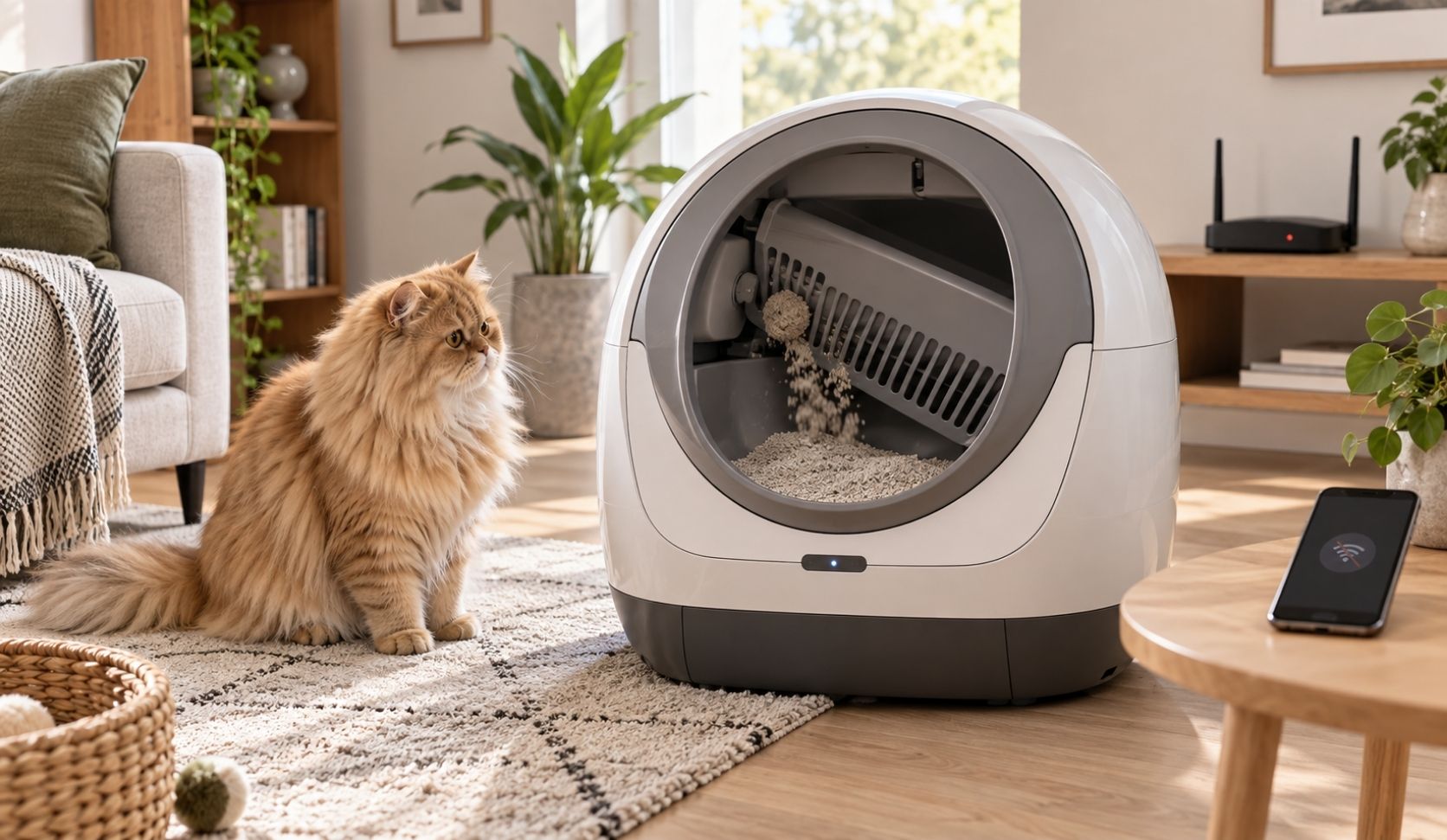
Short version, and it is the whole buying test: a well-built automatic litter box keeps scooping when your Wi-Fi drops. The motor, the sensor and the timer live in the unit, not in the cloud. What you lose is the app: remote start, alerts, and the usage history for those hours. If your box stops cleaning when the router dies, that is a real mark against the box, not a quirk of your internet.
One line of scope before I go on. This page is about losing the internet, not losing electricity. A box with no power cannot move a rake at all, and planning that fallback is a separate job I cover in what an automatic litter box does in a power outage. Everything below assumes the unit is plugged in and the router is the thing that died. If you are still choosing a unit for more than one cat, the rest of the criteria sit in my guide to self-cleaning litter boxes for multiple cats.
Three systems, three separate failures
Owners say "my box is offline" to mean three different things, and those three things fail independently. Separating them is most of the work, because a unit can pass one and fail another, and only one of them affects the cats.
| System | Where it actually runs | What losing Wi-Fi does |
|---|---|---|
| Cleaning (motor, weight or infrared sensor, cycle delay) | Inside the unit | Nothing, on a well-designed box. The sensor still fires, the cycle still runs. |
| App (remote cycle, settings changes, live status, alerts) | Phone to cloud to unit | Stops completely until the unit reconnects. |
| Data history (usage counts, weights, trend charts) | The maker's cloud account | A gap for the outage window. Whether it backfills is rarely documented. |
The row that matters at two in the morning is the first one. In my house, three cats share one box, so a night of no cleaning is not a missed data point, it is a full box by breakfast and at least one cat looking for somewhere else to go. The app row is an inconvenience. The data row is an annoyance. Only the cleaning row is a welfare problem.
What the manufacturers' own pages actually say
This is where the category splits, so I went to the makers' own support material rather than review roundups. Naming a maker here is sourcing, not a recommendation.
Whisker's Litter-Robot FAQ states plainly that the Whisker app is not required for the Litter-Robot to function and that the unit will still work as a self-cleaning litter box without Wi-Fi. That is the behavior you want, written down by the company that has to honor it.
PetSafe documents the opposite for one of its connected boxes. The support article for the ScoopFree SmartSpin not cleaning lists this cause in PetSafe's own words: "The litter box will go to sleep if it is plugged in and not connected to Wi-Fi." Same category, same shelf, opposite offline behavior.
So do not generalize from one brand to the shelf, and do not let me generalize either. I looked for an equally plain statement on PETKIT's and Neakasa's own pages and could not find one. Their published material covers reconnecting a unit that went offline, not what the box does meanwhile. Absence of a claim is not proof of failure, but it does mean you have to ask or test.
The buying question a seller cannot dodge
Vendors bury offline behavior because it is not a feature, and reviewers skip it because testing it means deliberately breaking their own internet. That leaves it to you. Ask it as a yes or no, before you buy:
"If my router is down for two days, does the box keep detecting the cat and running its cleaning cycle on its own, with no phone and no internet connection?"
A good answer names the mechanism: the unit has an onboard auto mode, the cycle settings are stored on the device, and there is a physical button on the box that starts a clean. A weak answer changes the subject to reconnecting, offline notifications, or "just re-run setup." An offline notification is proof that the app noticed, not proof that the box cleaned.
Two follow-ups worth the extra minute. Ask them to point at the support page that says it, because a written support document survives a staff change and a chat reply does not. And ask what happens to the settings you already configured, since a unit that keeps cycling but reverts to factory timing is only half a pass.
How to test the automatic litter box you already own
You do not need the seller's answer if you already have the unit. Pick an evening when you are home and can watch, then run the drill below. It takes one cat visit to get your answer, and the whole thing is reversible.
The router-unplug drill
- Unplug the router, not just your phone's Wi-Fi. Putting your phone on cellular proves nothing, because the box may still be talking to the router.
- Leave the box powered. This is a Wi-Fi test, not a power test.
- Wait for a real use. Watch whether the cycle fires on its own after the normal delay. That is the pass or fail.
- Press the physical clean button. A unit with no working on-box control is a unit you cannot operate during an outage.
- Check that your settings held, for example the cycle delay or sleep window, if the unit shows them on its own display.
- Restore Wi-Fi and open the app. Do the uses from the outage window appear in the history, or is there a hole?
Step six is the only honest way to answer the data question, because I could not find a maker who documents whether usage history backfills after a reconnect. Assume the gap is permanent until your own app proves otherwise.
What you actually lose while it is offline
Ranked by how much it should bother you. First, the maintenance alerts, which are the genuinely useful ones: waste drawer full and litter low. Losing those for a day is survivable if you glance at the box; losing them for a week is how a drawer overflows. I go through which alerts earn their keep in my piece on smart litter box app notifications.
Second, the trend data. If you are watching one cat's visit count or weight because something looked off, an outage puts a hole in exactly the record you are building, and a hole in a trend line is worse than no trend line. That is part of why I treat weight tracking as a prompt to look closer rather than a number to trust point by point. If a health question is live, keep a paper note during the outage and tell your vet what you saw.
Third, remote cycling and live status. Honestly, this is the one I would give up first. Being away and unable to press a button in an app is a comfort problem, not a cat problem. Mao, Leo and Deo have never once cared whether I could see the box from my phone.
FAQ
Does an automatic litter box work without Wi-Fi?
Most do, because cleaning is triggered by an onboard weight or infrared sensor and a timer inside the unit. Whisker states that the app is not required and the Litter-Robot still works without Wi-Fi. It is not universal, though: PetSafe's support page says the ScoopFree SmartSpin goes to sleep if it is plugged in and not connected to Wi-Fi. Verify per model, not per category.
Will I lose my cat's usage history while the box is offline?
Expect a gap. The history lives in the maker's cloud account, and I could not find a manufacturer that publicly commits to backfilling the missed period after a reconnect. Run the router-unplug drill above and check the app afterward to learn what your own unit does.
Is a non-connected automatic litter box the safer choice?
It removes the failure mode entirely, since a box with no cloud account cannot be let down by one. The trade is real: no drawer-full or low-litter alerts, no usage trend, and settings changed only at the box. A connected unit that is verified to keep cycling offline gives you both.
My app says the box is offline but the cats are using it fine. Do I need to fix it now?
No. Offline means the app lost the unit. If the cycle still runs after each visit, the cleaning system is doing its job. Reconnect when convenient, then check the waste drawer and litter level yourself, since those are the alerts you are not receiving.
Is losing Wi-Fi the same as losing power?
No, and it is worth keeping them apart. Wi-Fi loss usually costs you the app. Power loss stops the mechanism itself, which is the harder failure and needs its own plan.