
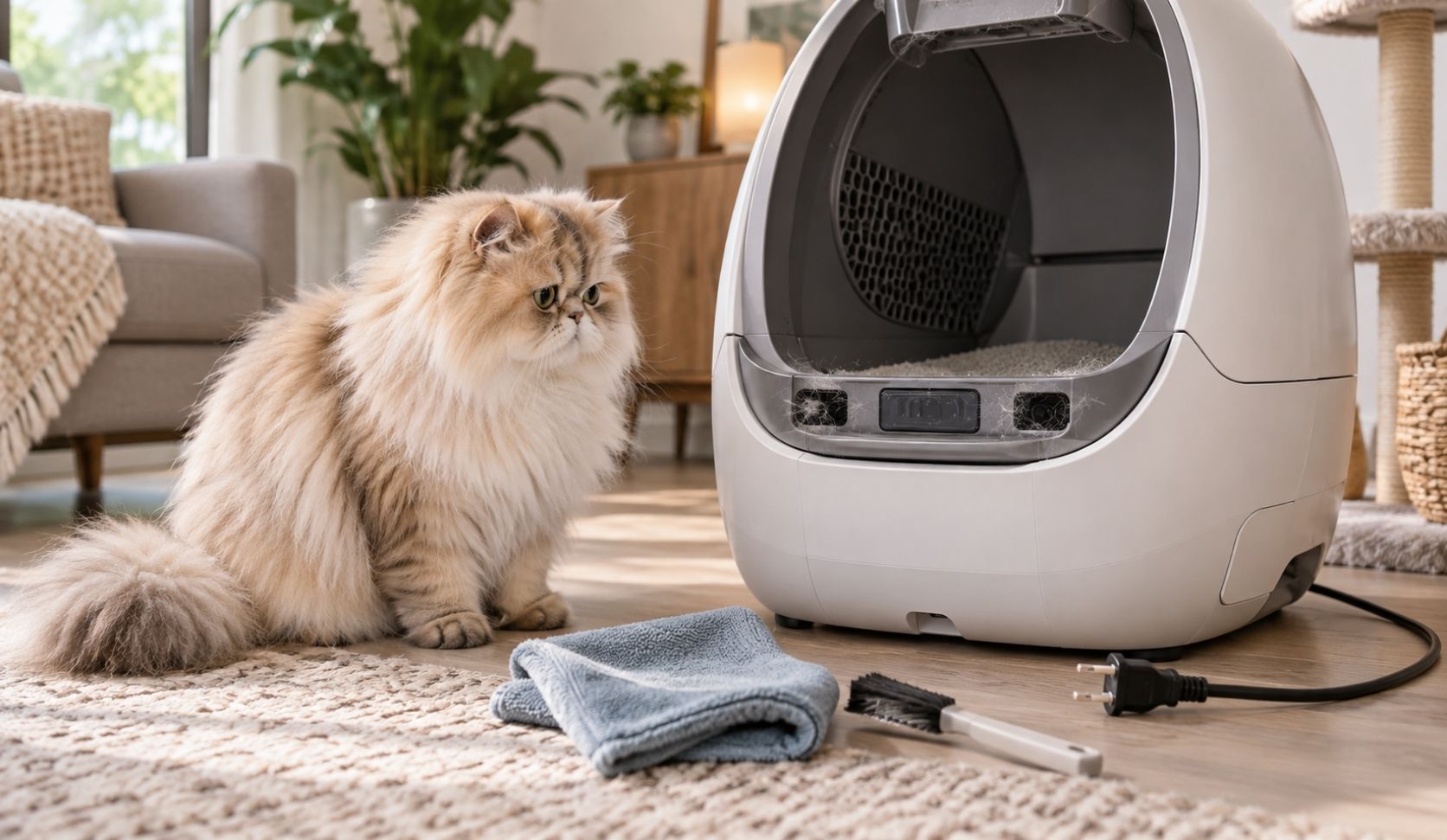
If your automatic litter box is throwing a sensor error, the most likely cause is dust and cat fur on the sensor windows, not a failed part. Unplug the unit, clean the sensors, zero the weight scale, then power cycle it. Whisker's own Litter-Robot support documentation names debris such as dust or cat fur as an interference cause for its curtain sensors. Budget five minutes before you budget a support ticket.
I have run these machines for five years with three cats, Mao, Leo and Deo, and every sensor fault in that time turned out to be dirt, footing, or a scale that needed zeroing. Not one was a dead sensor. So this piece is organized by what you are seeing, in your own words, rather than by error code. Codes differ between makers. Symptoms do not.
What the sensors do, and where they sit
There are two independent systems in most of these units, and it matters which one is confused.
Curtain sensors. On the Litter-Robot 4, Whisker documents three laser sensors in the top of the bezel, the ring around the entrance. They detect a cat entering or leaving at Home, and if one is triggered mid-cycle the globe stops and resumes after 15 seconds with no further activation. The same array, under Whisker's OmniSense name, also measures litter level and waste-drawer capacity. One set of lenses, three jobs, which is exactly why dust on them produces such varied symptoms.
Weight scale sensors. These sit in the base and weigh the cat inside the globe at Home. Extra weight detected mid-cycle also stops the globe, resuming 15 seconds after that weight leaves.
Those names are Litter-Robot's; other makers use infrared beams or load cells and label them differently.
Automatic litter box sensor errors, by symptom
Forget the code on the light bar for a moment. This is what owners actually type into a search box, and what is usually behind it.
| What you see | Usual cause | First move |
|---|---|---|
| Cycles with no cat in it | Debris on the bezel, or fur in the globe seal strip | Clean the bezel and seal strip |
| "Drawer full" when it is not | A stretched or dark liner, or debris on those sensors | Reseat a flat, light liner |
| Weight readings jump | Scale not zeroed, or bad footing | Zero the scale, fix the footing |
| It ignores my cat | Dust on the lenses, or weight it already counts as a cat | Clean, then zero from Home |
"It cycles when no cat is in it"
The unit believes a cat entered and left. Two documented triggers: debris on the bezel, which Whisker states can interfere with the sensors, and fur caught in the seal strip at the front of the globe, which Whisker notes can interfere as the globe rotates.
Mine did exactly this during a heavy shedding stretch with Leo, and the fix took about thirty seconds: a dry cloth around the entrance ring and a fingertip along the seal strip. If phantom cycles return quickly after cleaning, look at your litter. A very fine, dusty one coats those lenses fastest.
"It says the drawer is full when it isn't"
Same curtain sensors, second job. Whisker documents that the sensors in the top of the bezel measure waste-drawer capacity, and it names two non-electronic causes before any fault: stretched bags, or bags not pressed flat, make the detection measure the drawer level inaccurately, and dark liners read worse than light ones, improving as waste accumulates.
So pull the drawer, press the liner flat against the walls, and use a light-colored one. In my experience this is the most common false alarm people escalate to support, a bag problem in an electronics costume. Clean the bezel only once the liner is right.
"The weight readings jump"
The scale lives in the base, so anything that changes the unit's weight or footing moves the baseline. Whisker's guidance is to zero it after emptying the drawer, adding or removing litter, cleaning, or moving the unit. Placement counts too: soft or uneven flooring such as carpet is called out as bad for accurate weight measurement, as is a mat sitting partly underneath the unit. Do not lean on it as you press the button, because your weight goes into the reading.
One line on health, then I hand it off. A jumping number is a measurement artifact, not a diagnosis, and nothing on that graph means anything medical. That is a vet's call. What the data is and is not good for is its own topic, covered in what weight tracking can actually tell you.
"It doesn't detect my cat at all"
Two shapes. The first is lenses too dirty to register an entry, and the trap is that you cannot see it. Whisker's own cleaning notes say dust on the sensors is very difficult to spot, so clean them whether or not they look dirty.
The second is the opposite: the unit already believes weight is present. On the Litter-Robot 4, when the cat sensor has been triggered for more than 30 minutes, the light bar flashes red and the app sends a notification. Whisker's documented causes are litter filled above the raised MAX fill line, or litter recently added or moved that the unit reads as a cat that entered and never left. Bring the litter below MAX, then zero the scale from Home.
Separately, a very small or very young cat can fall below a unit's stated detection minimum. That is a specification question rather than a fault, so check your model's published figure.
The order to check in, and why
Each step removes a cause the next one would otherwise mask.
1. Clean, unplugged. Dry cloth on the bezel, vacuum the inside perimeter with a brush attachment, compressed air into the sensor openings. For a deeper pass, with the bonnet and globe off, a dry cotton swab over each sensor surface. Whisker's laser sensor page specifies dry tools only, while a Whisker blog post recommends isopropyl alcohol monthly on the drawer-full sensors. When a maker's own pages disagree, I stay dry. This fits inside a full strip-down: how I deep clean the whole unit.
2. Zero the weight scale. From Home, press Reset twice and watch the light bar flash. Stuck mid-cycle, long-press Reset for three seconds. Litter-Robot calls it Reset; other makers name it differently or hide it in the app.
3. Power cycle. Off, unplug, wait a full five minutes, restore. After cleaning, not before, or you reboot a unit still looking through dust.
4. Level and clearance. Firm, level surface, not carpet. Mat entirely in front. No side touching a wall. All four feet free, none resting on a cord or in a grout line.
5. Firmware. Current, in the maker's app. On the Litter-Robot 4 it also gates recalibration: Whisker requires version 1175.5021.292 or above, then holding Cycle, Reset and Empty together for three seconds.
When it is genuinely not a sensor
Sensor faults are quiet; mechanical ones are not. Grinding, straining, a globe that halts at the same physical point every time, or anything you can see binding is not a lens problem. Stalls have their own diagnosis, so start at why it gets stuck mid-cycle. Note the overlap: an uneven base can stop a motor mid-cycle, so step 4 above is worth doing before you conclude anything mechanical.
If you are unsure, or the unit is misbehaving in several ways at once, go up a level to the full triage walkthrough.
One boundary I keep: nothing here involves opening a sealed housing or putting a screwdriver near a board. If your fix needs that, it is past what I will talk anyone through.
Frequently asked questions
Why does my automatic litter box say sensor error?
Usually because dust or cat fur is sitting on the sensor windows. Whisker names debris on the bezel as an interference cause for the Litter-Robot 4's curtain sensors, and those same sensors also handle litter level and drawer capacity, so one dirty lens throws several unrelated-looking errors.
How do I clean the sensors on an automatic litter box?
Unplug it first. Dry cloth on the bezel, vacuum the inside perimeter with a brush attachment, compressed air into the sensor openings, then a dry cotton swab over each sensor once the bonnet and globe are off.
Will resetting fix a sensor error?
Sometimes, but reset after cleaning rather than instead of it. Zero the scale from Home, then power cycle by unplugging for five minutes. Resetting a dirty sensor returns the same fault within hours.
Why does it say the drawer is full when it is empty?
Check the liner before the sensors. A stretched bag, or one not pressed flat, makes drawer-level detection measure inaccurately, and dark-colored liners read worse than light ones. Reseat a flat, light liner first.